15 best freelance platforms & marketplaces to find work in 2026
15 best freelance platforms & marketplaces to find work in 2026
Not sure which freelancing site is best for beginners. Keep reading. Here are the top freelance marketplaces, job boards, and platforms where freelancers actually find paid work. They are not all for marketing and creatives, so keep scrolling until you find a match!
#1: Freelancer
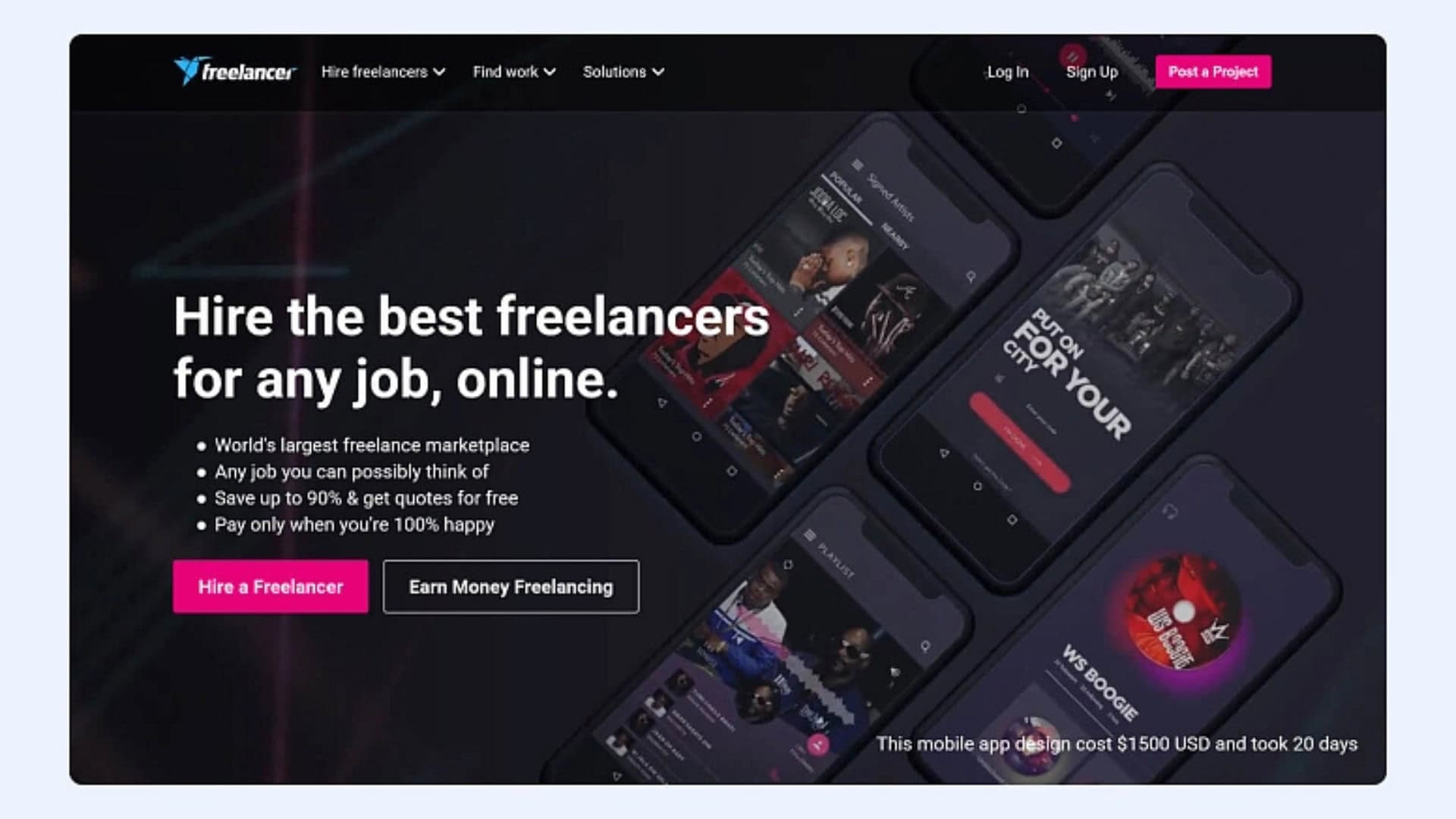
When people search “best freelancing websites,” Freelancer.com always shows up.
It’s pretty broad. You can find work in tons of categories, whether you’re new or experienced. You’ll also see projects that need languages other than English, which is a big plus if you’re international or bilingual.
You can filter jobs by hourly vs fixed-price, skills, language, and more. Setup is quick. Create a profile, list your services, and you can be applying in about 20 minutes.
One thing to know: Freelancer typically takes around a 10% fee from what you earn.
#2: Behance
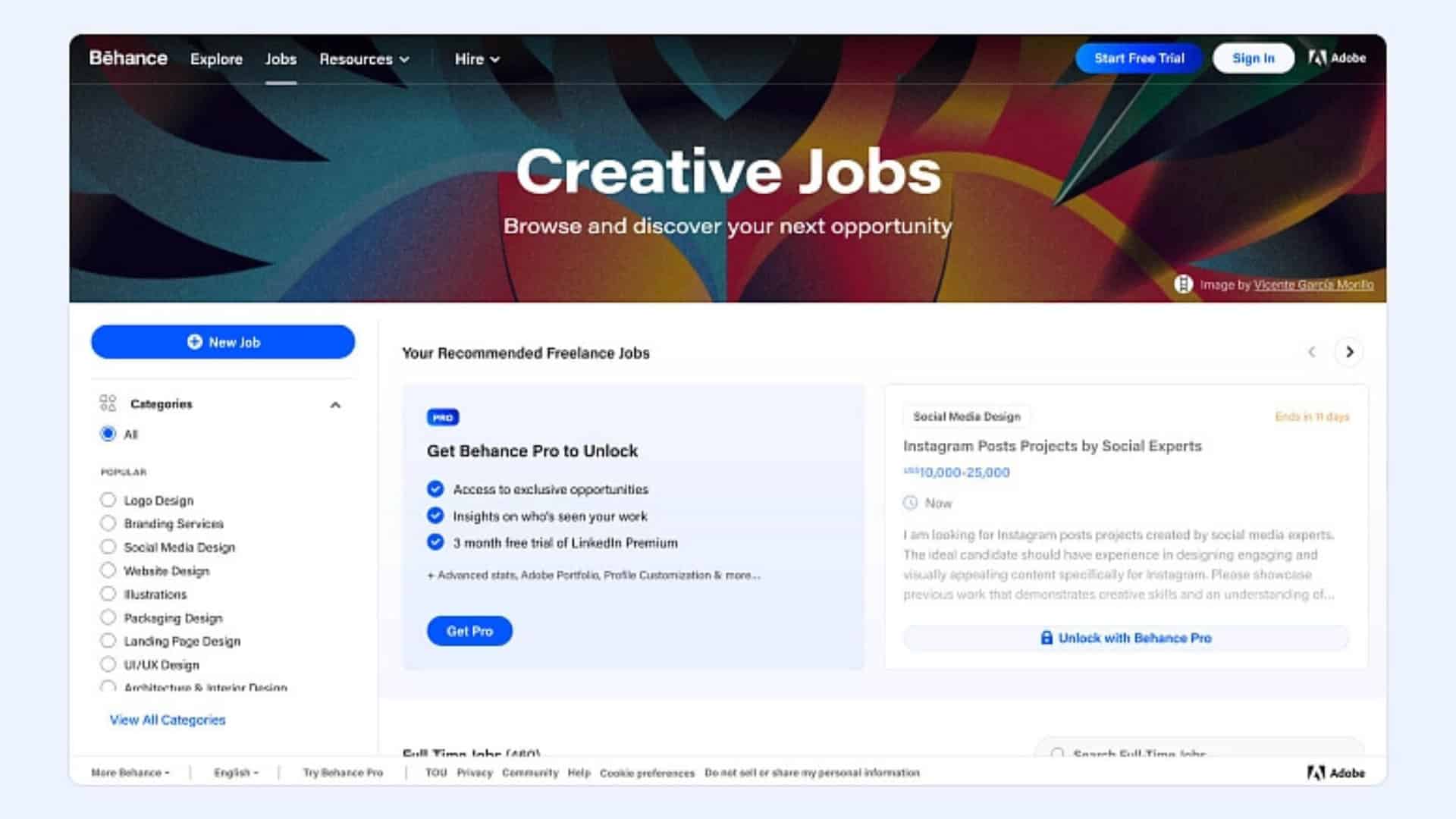
Behance is perfect if you’re in web design, photography, illustration, branding, or anything portfolio-based.
It’s less “bid on gigs” and more “show your work and get discovered.” Think creative social network with a portfolio at the center. You can also browse job posts if you want.
Expect setup to take longer than most platforms. You’ll want a solid bio plus your best work uploaded. That’s what gets you hired.
Upside: great for side gigs and longer-term remote work. Downside: it can feel competitive, and image file sizing can be annoying.
#3: SimplyHired
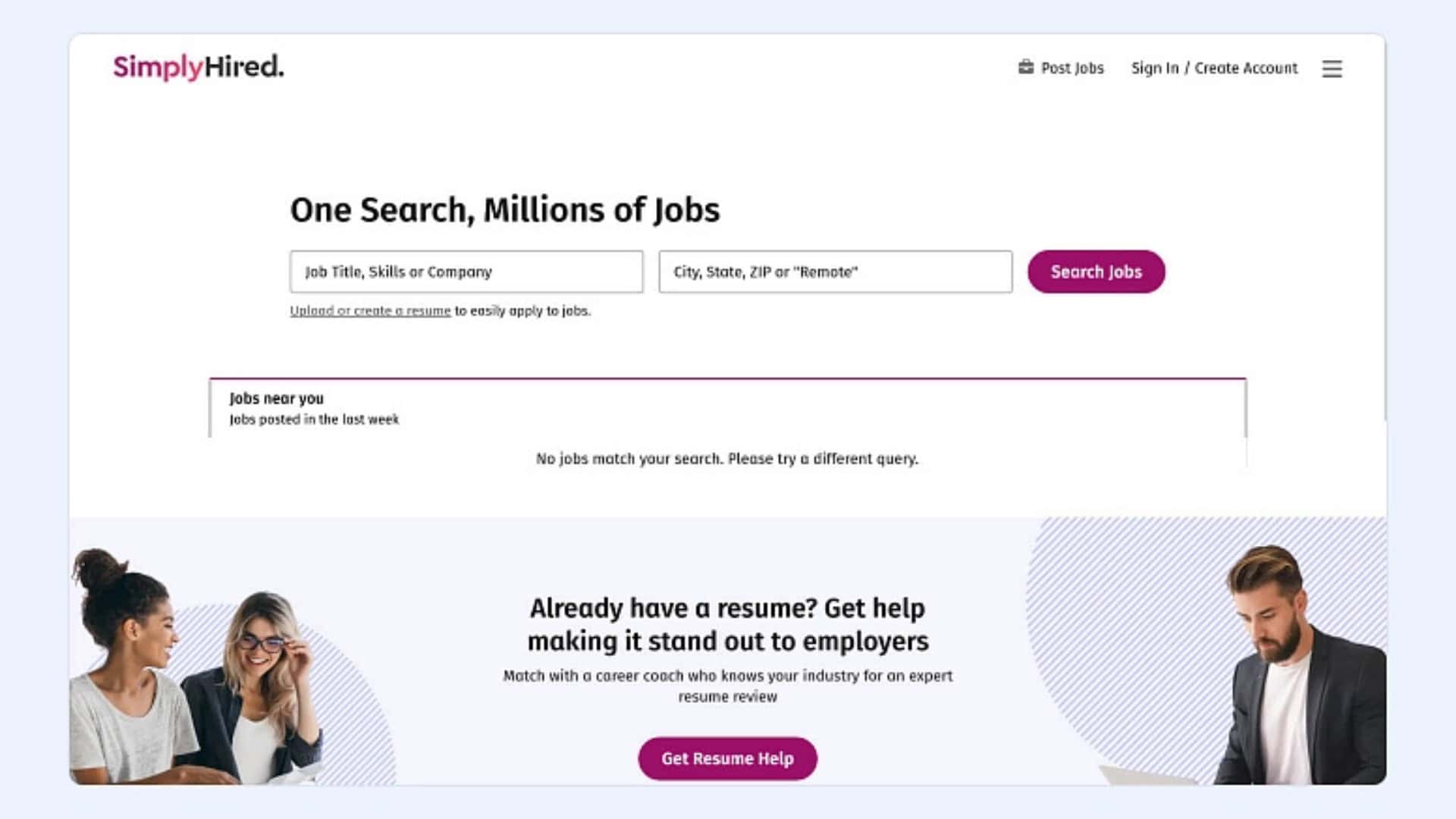
SimplyHired is more of a job search engine than a classic freelancer marketplace. It’s useful for roles like data entry, finance, HR, admin, and similar work.
You basically search listings posted by companies and apply. Profile setup is fast. Upload a resume, fill in basics, and you’re off. Call it 15 minutes.
Just know that the free experience is pretty basic. It’s best if you want a simple pipeline of listings without extra platform bells and whistles.
#4: PeoplePerHour
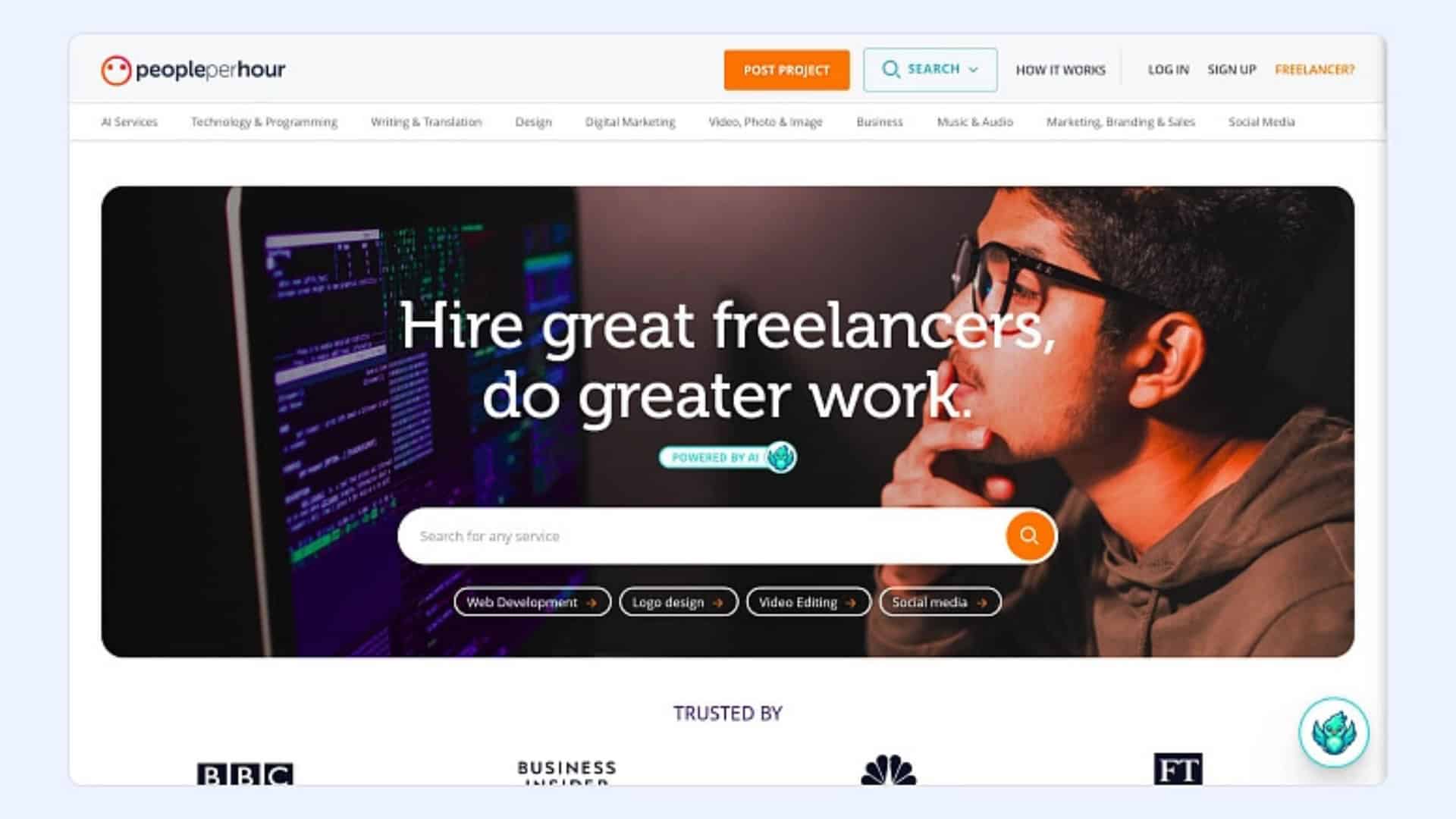
PeoplePerHour is another place to find freelance work, especially if you like hourly projects. You can also get hired for fixed-price work.
The big difference: they review applications. A moderator has to approve you before you can really start applying, which can slow down your start a bit.
Fees can feel steep for smaller gigs. A common structure is around 20% on the first chunk of earnings (example: up to $350), and then the percentage drops as the project value goes up.
#5: Fiverr
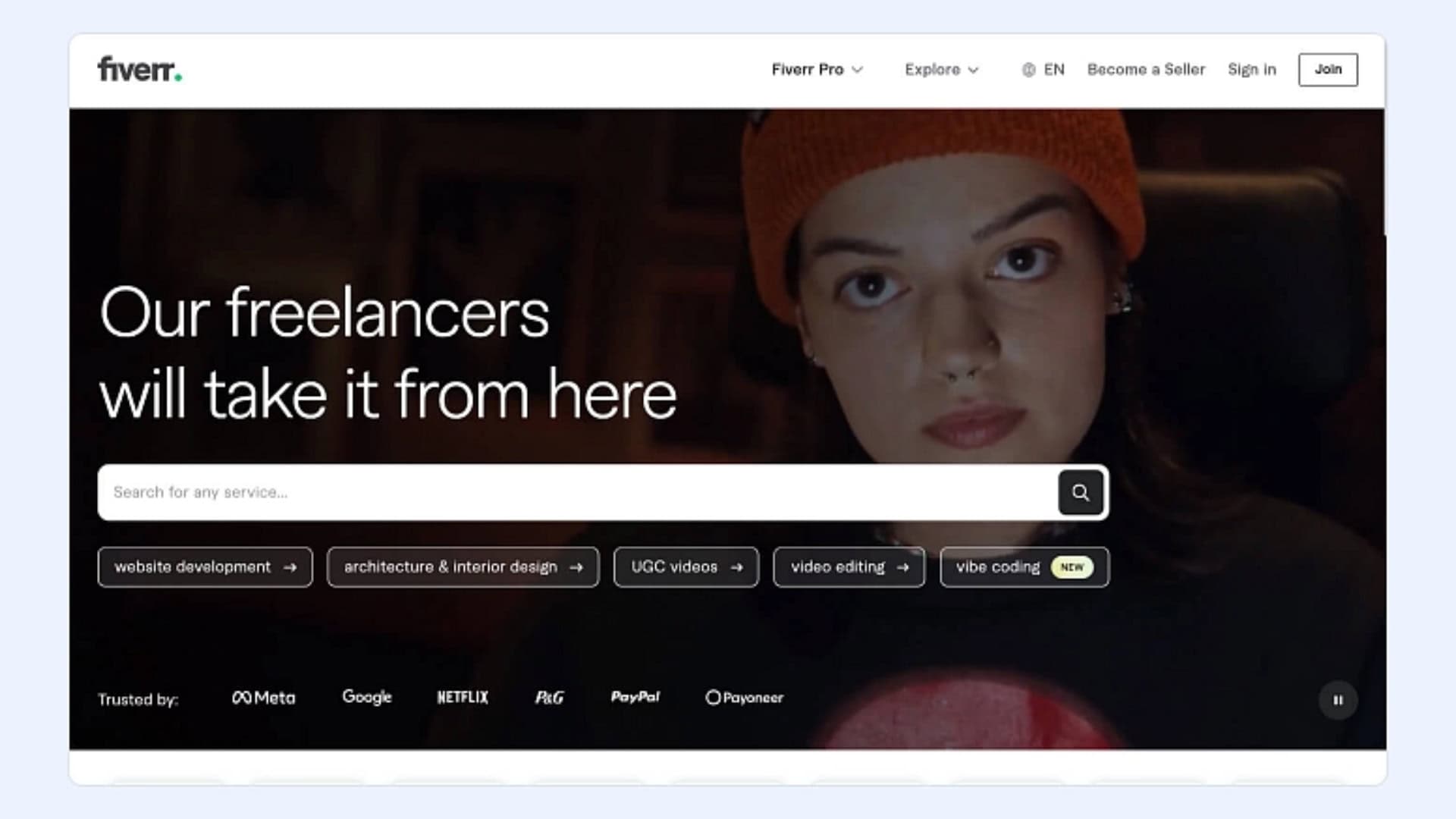
Fiverr is one of the most well-known marketplaces, even outside freelancing circles.
It works differently than most platforms. You don’t usually bid on jobs. You create “gigs” (your packaged services), and clients either message you or just buy.
It’s great for things like voiceover, writing, web design, social media, editing, and a ton more. If you’re good at packaging offers and writing clear listings, Fiverr can move fast.
Tradeoff: Fiverr takes a 20% cut, and payouts can take up to 14 days before you can withdraw.
#6: 99designs
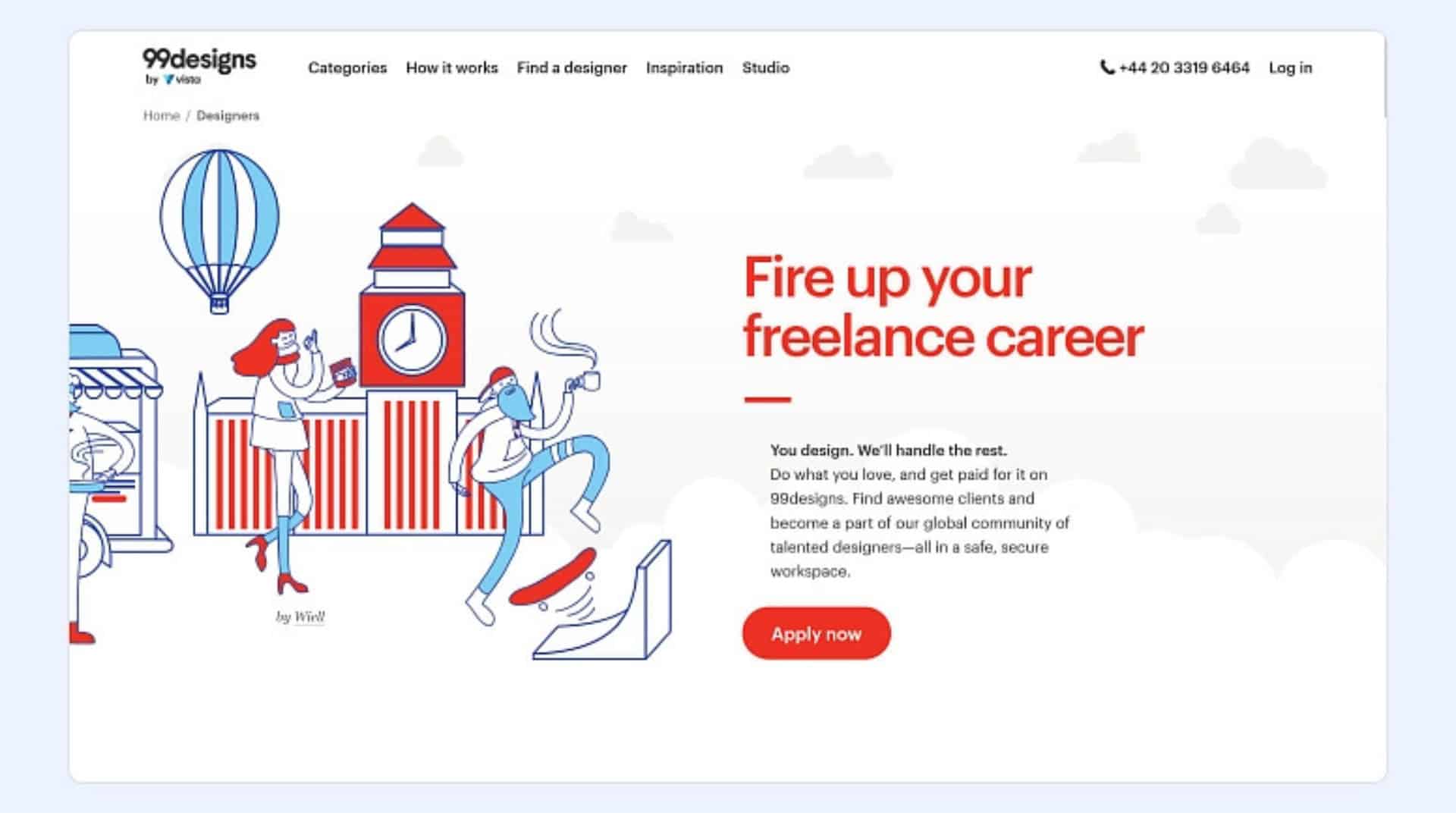
99designs is built for designers. Logo design, book covers, merch, apparel, branding. It’s all there.
You can create an account, but they review your application and portfolio. They’ll assign you a level. Higher level usually means more visibility and better opportunities, so it’s worth showing your strongest work.
Two fees to watch for:
An initial fee around $100 (to get matched with clients)
Ongoing fees around 5% to 15%, depending on earnings
#7: Upwork
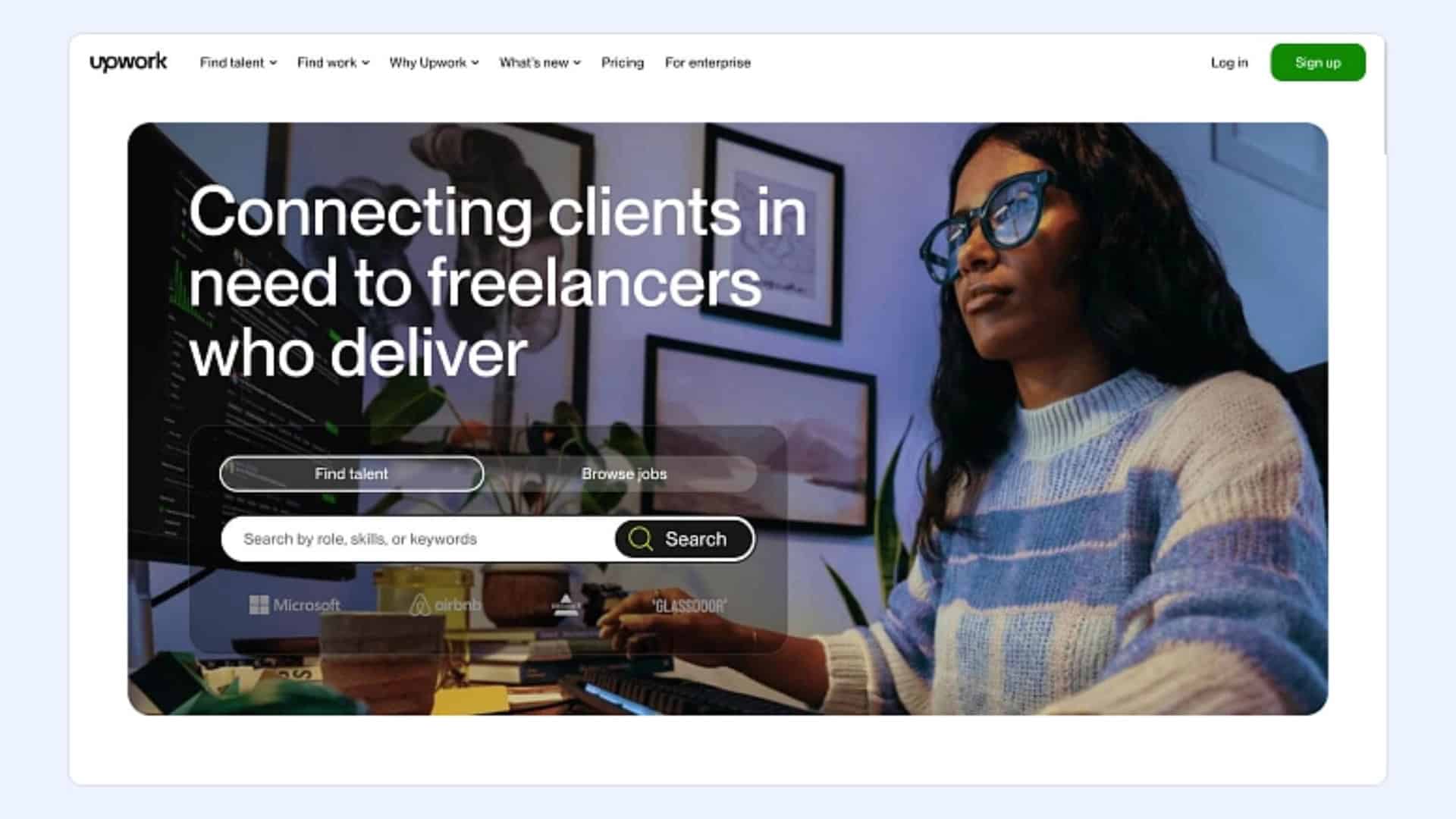
If you’re looking for freelance platforms, you’ll run into Upwork fast.
It’s a classic marketplace where you can sell pretty much any professional service. Traditionally, it was bid-heavy, but now it includes a Project Catalog where clients can buy packaged services directly, plus the usual job board.
Winning on Upwork comes down to proposals. If a post already has 30+ proposals, it’s often smarter to skip it and find something less crowded.
Fees vary. Expect something in the 5% to 20% range depending on earnings and the structure of the contract.
Tip: A lot of freelancers use Upwork or Fiverr to get clients, then manage everything in a separate system (client portal, projects, invoices). Tools like Flowlu, HoneyBook, or Dubsado help keep you out of spreadsheet chaos.
#8: Toptal
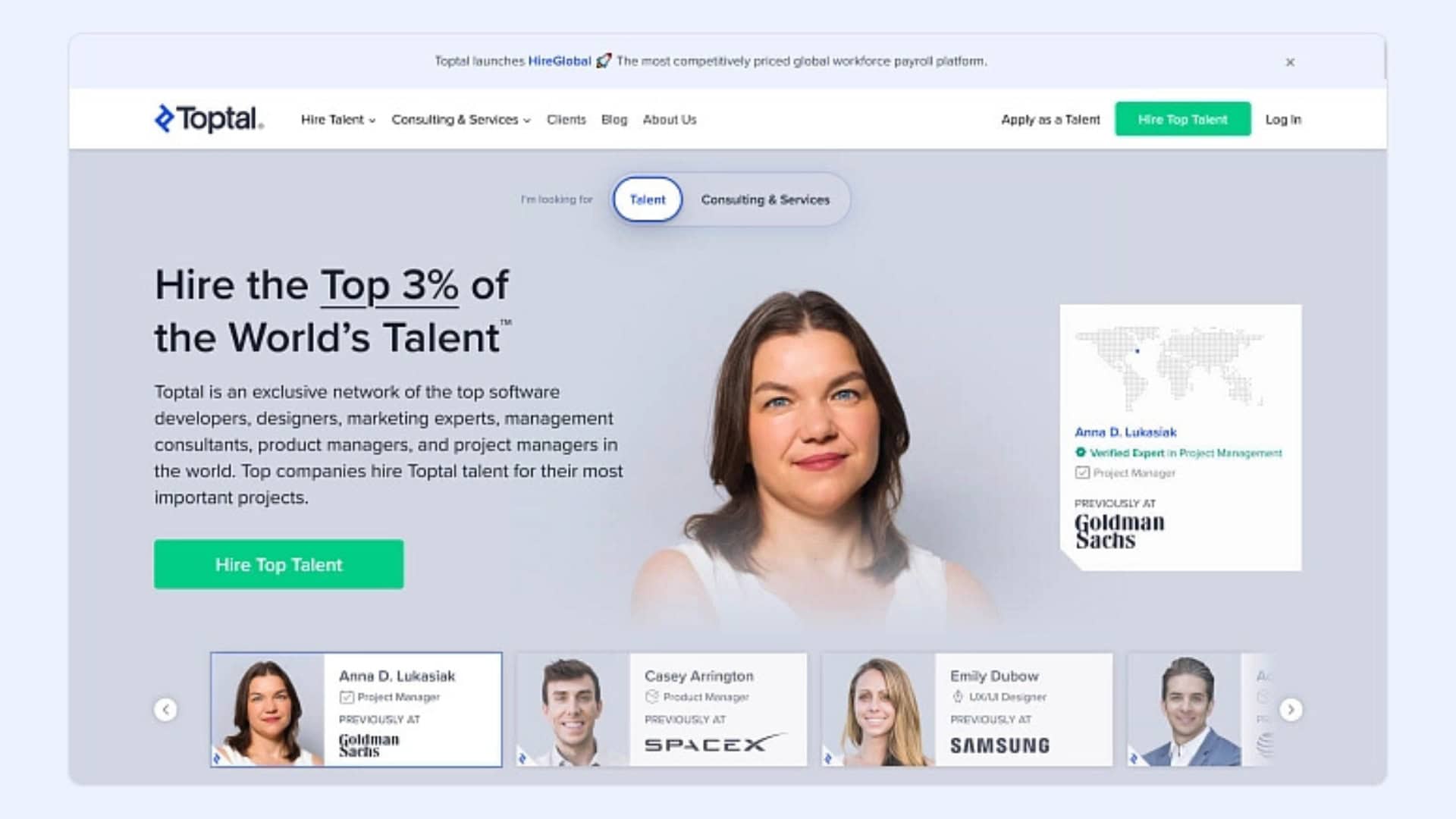
Toptal is for top-tier talent, and they’re picky. Their screening process is strict, and only a small percentage of applicants get in (often cited around the top 3%).
It’s a strong fit for experienced designers, developers, finance pros, and project managers who want higher-paying clients and more serious projects.
Good news: Toptal doesn’t take a freelancer fee. They charge clients their margin on top of your rate.
Reality check: if you’re brand new, this probably isn’t your first stop.
#9: Guru
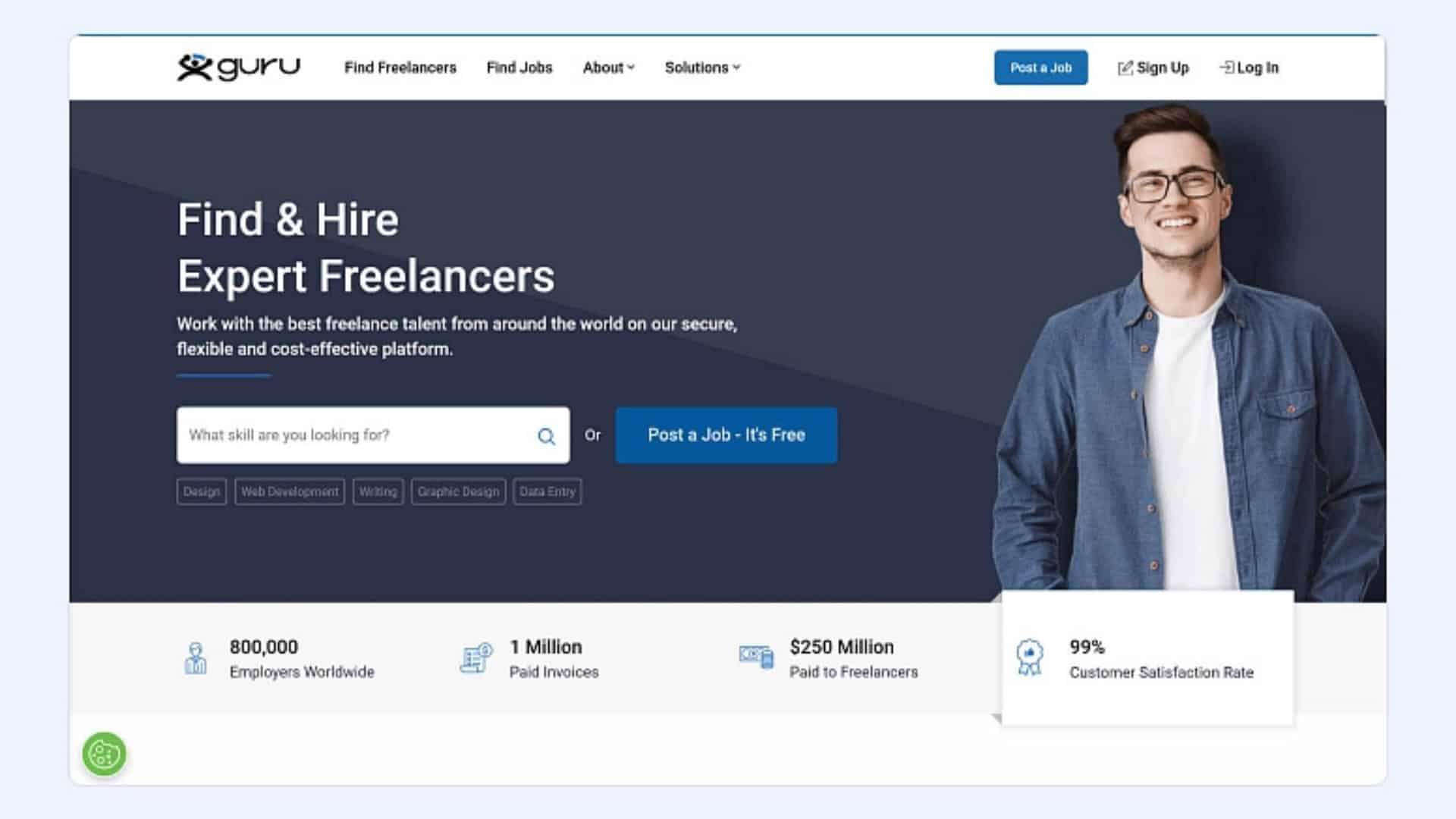
Guru is a solid all-around platform for both one-off projects and longer contracts.
You can build a detailed profile, upload your portfolio, and get matched with relevant jobs. People often like Guru because the fees tend to be lower than some of the bigger platforms, so you keep more of what you earn.
One standout feature is “Workrooms,” which helps you and the client manage tasks, files, and project steps in one place.
#10: FlexJobs
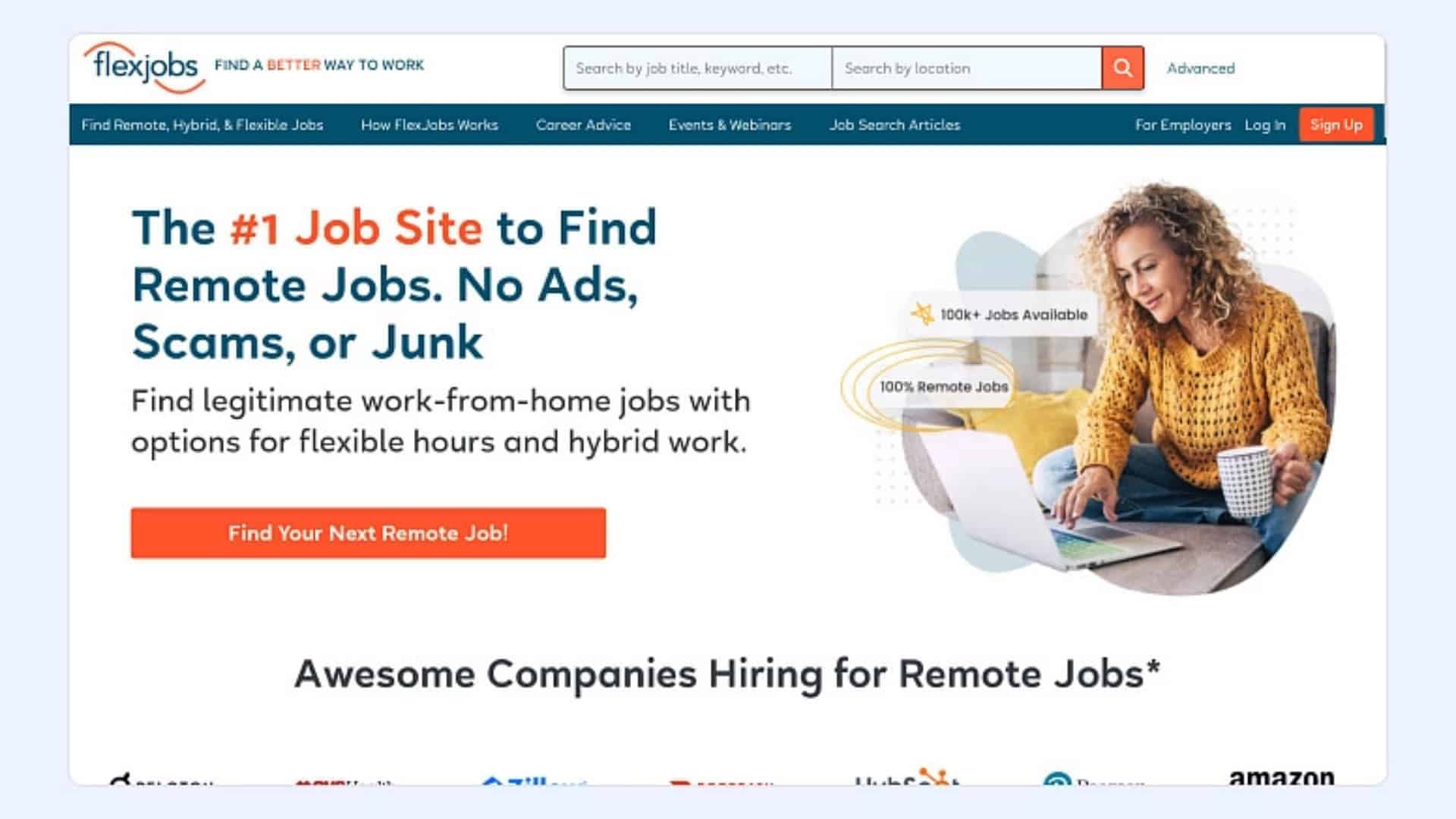
FlexJobs is great if you want flexible work but don’t want to wade through scammy listings.
They screen postings, so the jobs are typically higher quality and more legit than random boards. You’ll see a lot of roles in writing, marketing, admin, customer support, and similar fields.
It’s subscription-based, so you pay to access listings. In exchange, you get a cleaner, safer job pool and less noise.
#11: Dribbble
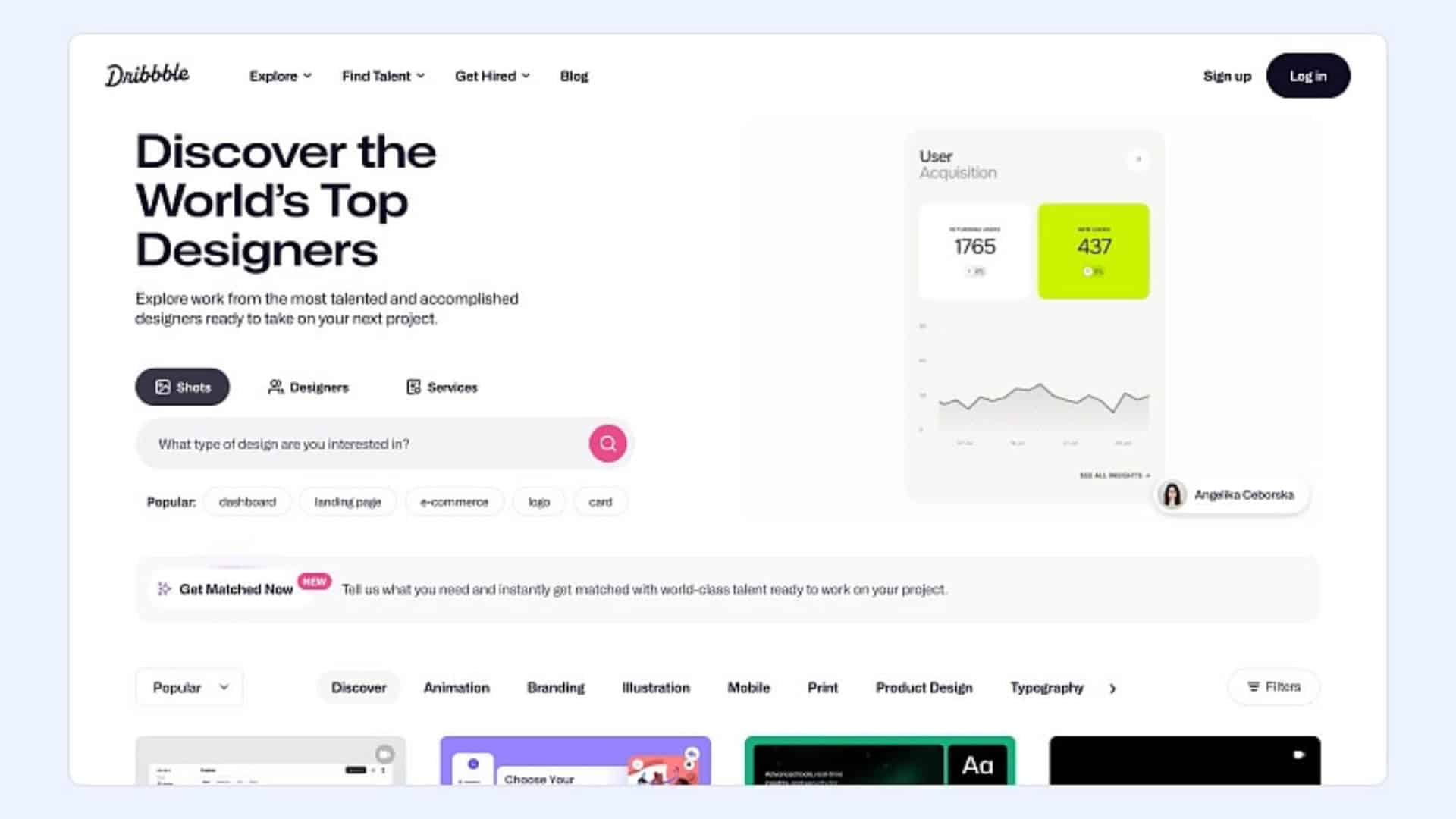
Dribbble is a designer favorite. Like Behance, it’s portfolio-first, but it also has a job board where clients can reach out.
It’s especially strong for graphic design, UI/UX, illustration, branding, and product design. If you post consistently and keep your portfolio sharp, you’re more likely to get inbound leads.
A lot of startups and agencies browse Dribbble when they want high-quality design.
#12: Contra
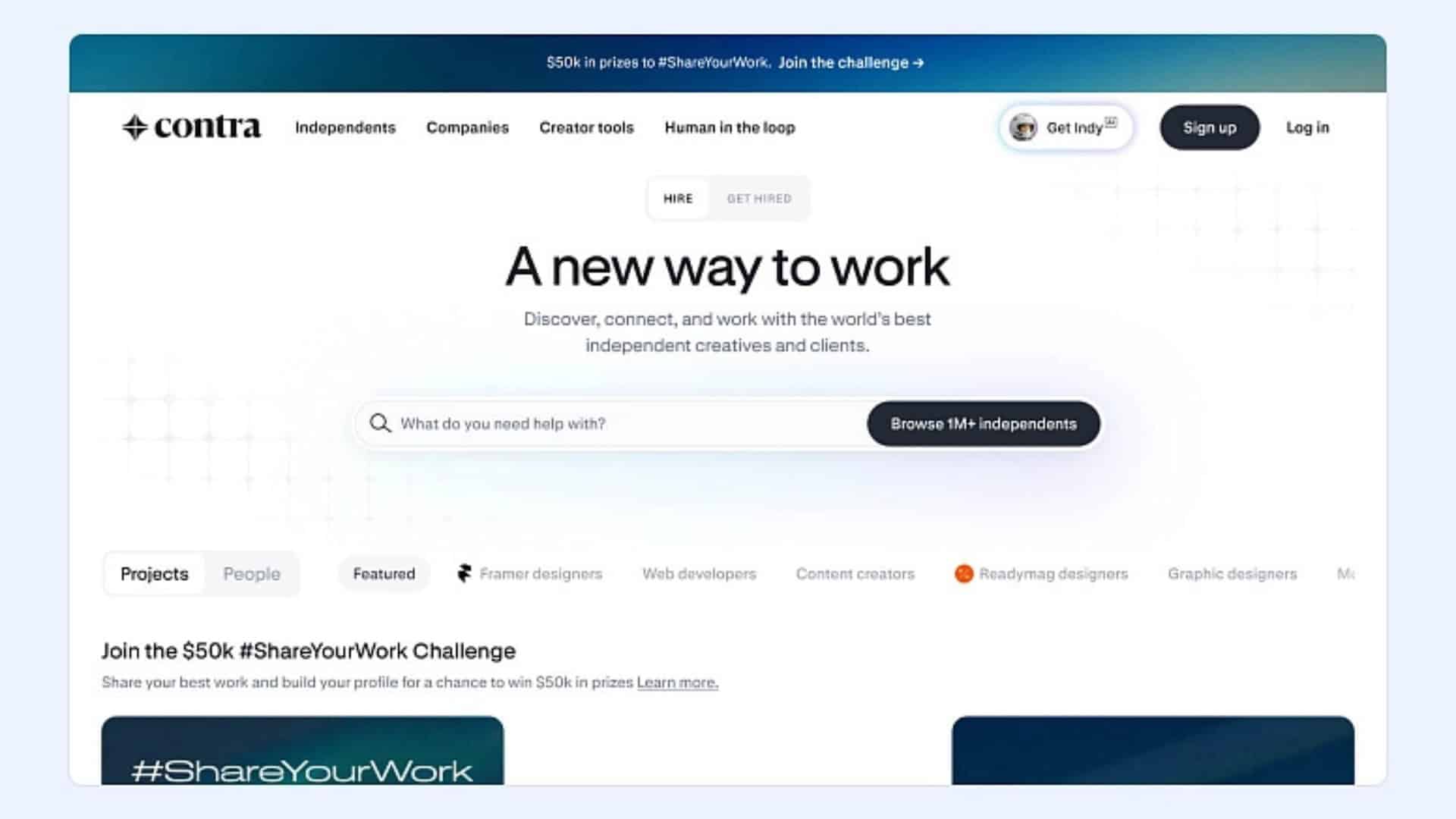
Contra is newer and growing fast, especially with creatives and digital pros.
The headline feature: no commission. You keep 100% of what you earn.
It works well for creators, designers, marketers, developers, and anyone who wants a clean portfolio, clear rates, and direct client payments without platform fees eating your margins.
If you want more independence and fewer middlemen, Contra is worth a look.
#13: We Work Remotely
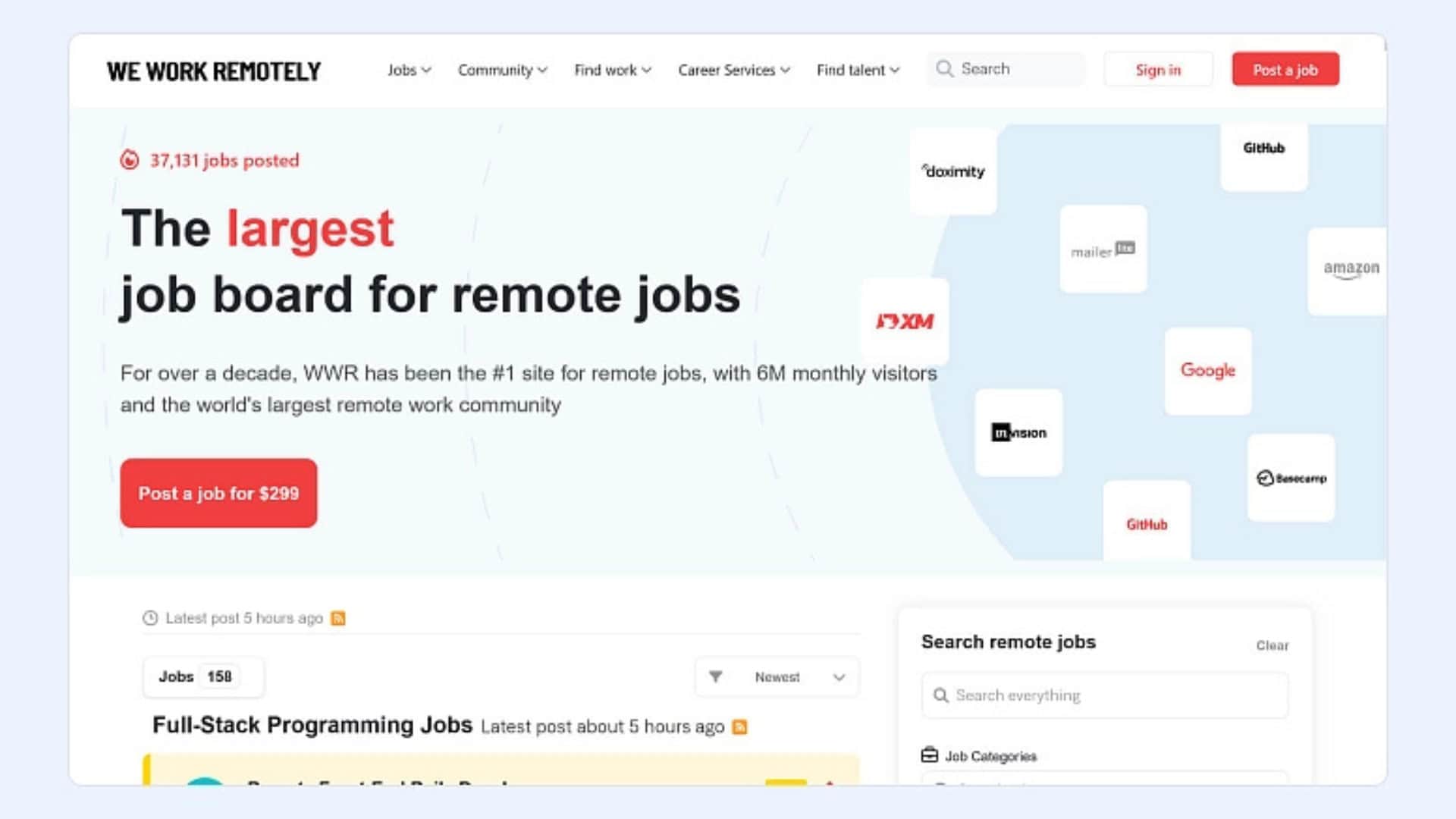
We Work Remotely is a job board, not a freelancer marketplace.
It’s popular for remote contracts and roles, especially in tech, design, marketing, and operations. You don’t need to build a deep profile. You just browse listings and apply directly.
This is a good fit if you’d rather work straight with companies instead of negotiating inside a marketplace platform.
# 14: Braintrust
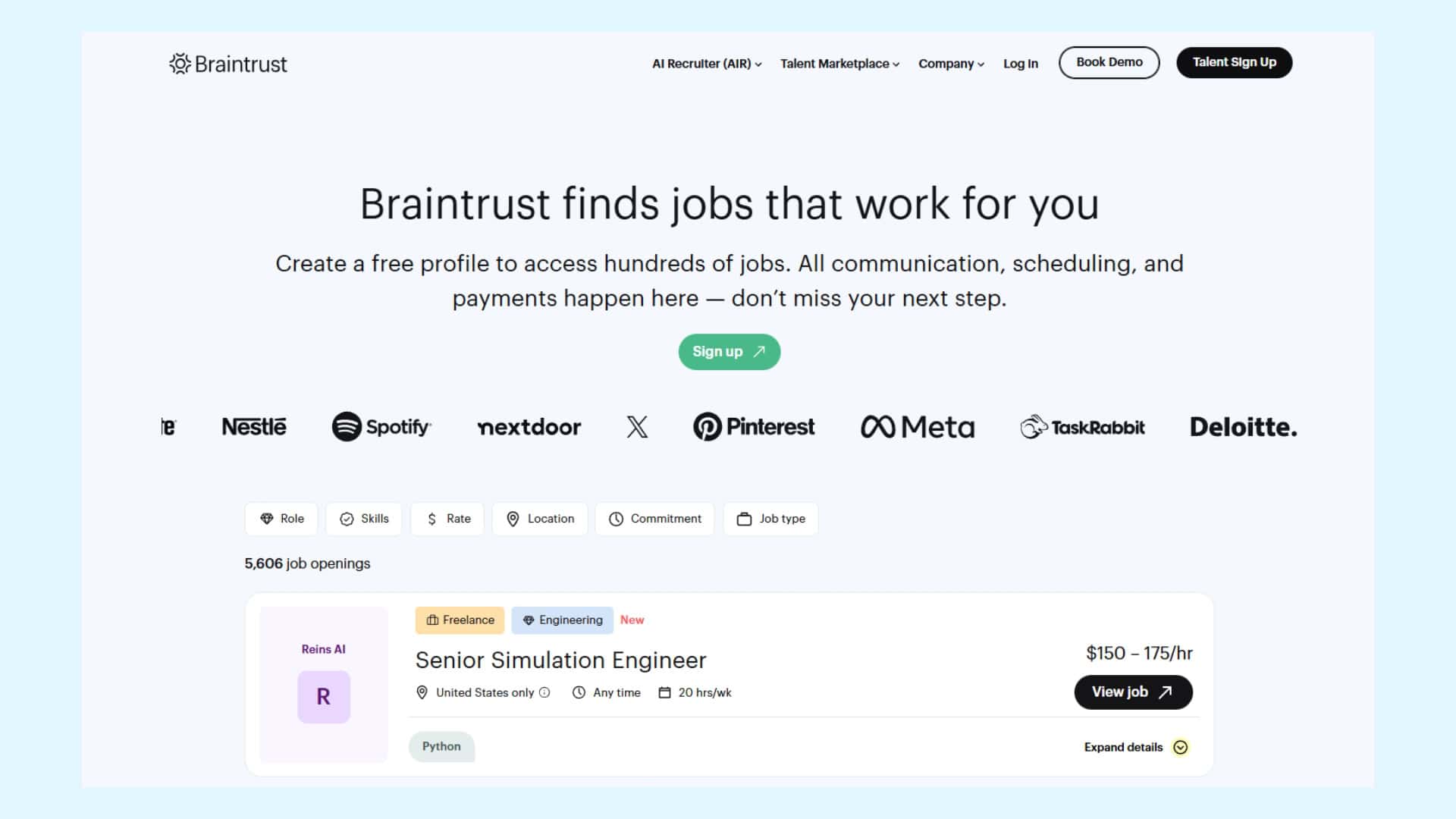
Braintrust is a solid option if you’re past the beginner stage and want more “serious client, serious budget” work. It’s popular with designers, developers, finance pros, and project managers who want higher-quality projects without racing to the bottom on price.
Unlike most freelance marketplaces, Braintrust does a screening step. You build your profile, apply to your first job, and then you’ll get a screening invite (usually within 24 hours). The screening itself is a short one way video, about 10 minutes, answering a few questions about your experience.
One of the best parts is the fee structure. Braintrust does not take a cut from freelancers. Instead, the client pays a flat 15% fee on invoices.
Just keep in mind that you get paid when the client pays Braintrust, and their standard terms are net 30. So this is better for freelancers who can handle invoice-style timelines, not “I need cash this week” gigs.
#14: LinkedIn
LinkedIn isn’t technically a freelance platform, but it’s one of the strongest ways to get clients long-term.
You can build a sharp profile, publish content that shows your expertise, and connect directly with decision-makers. A lot of freelance work comes from relationships and visibility. LinkedIn is built for both.
Also, LinkedIn has a “Services” section where you can list what you offer, so people can find you and reach out.
Best part: no platform fees, and the relationships you build can lead to repeat work.
5 best practices to help freelancers succeed online
If you want freelancing to actually work, treat it like a real business. It’s not just firing off a few bids and hoping someone hires you. You win long-term by building client relationships, improving your skills, and staying organized.
#1: Put clients first
Make it easy to work with you. Communicate clearly, deliver quality work, and hit deadlines. Do that consistently and clients will rehire you, and they’ll tell other people about you.
Tip: Repeat clients are the fastest path to steady income. They’re easier to close and they tend to bring referrals.
If you want to estimate what a long-term client is worth (especially for retainers), use a free Customer Lifetime Value (CLV) calculator.
#2: Keep learning
The freelancers who stay booked keep leveling up. That includes improving the skills you already sell, and adding new ones that clients are asking for. Then update your profile so buyers actually see that growth.
#3: Stay visible
You don’t have to be loud, but you do need to be seen. Be active where your clients hang out. Join the right communities, comment on relevant posts, share quick insights, and keep your name circulating.
#4: Invest in your brand
Your profile and portfolio are your storefront. Make them clean, current, and easy to scan. Remove weak samples, lead with your best work, and ask someone else to review it with fresh eyes. A strong portfolio can do the selling for you.
#5: Work across multiple freelance platforms
Don’t put all your eggs in one platform. Even if you love one marketplace, spreading across a few lowers your risk and increases your chances of finding the right-fit clients.
Tip: Getting paid shouldn’t feel like detective work. A simple invoicing app helps you send estimates, track payments, and look professional without drowning in admin.
Share this article
Follow us
A quick overview of the topics covered in this article.
Latest articles

September 30, 2026
September 30, 2026